Connect Wireless Deployment Architecture
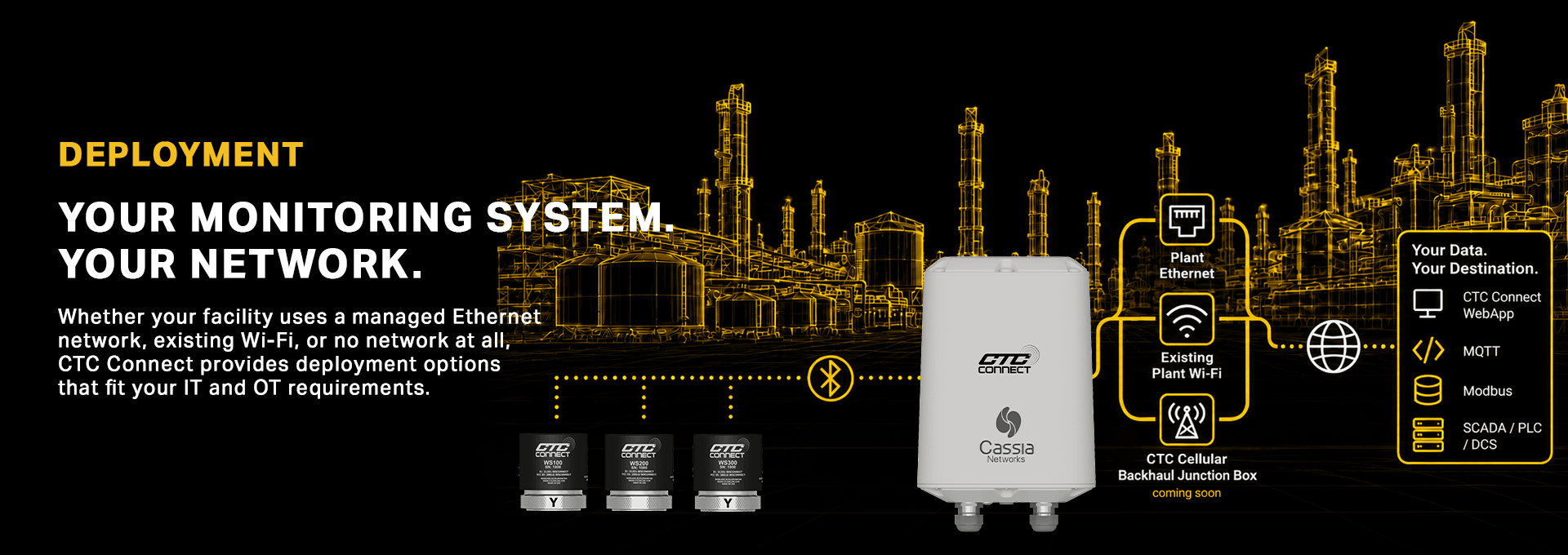
HIGH-LEVEL WIRELESS ARCHITECTURE OVERVIEW
From sensors to software, CTC Connect ecosystem adapts to your infrastructure.
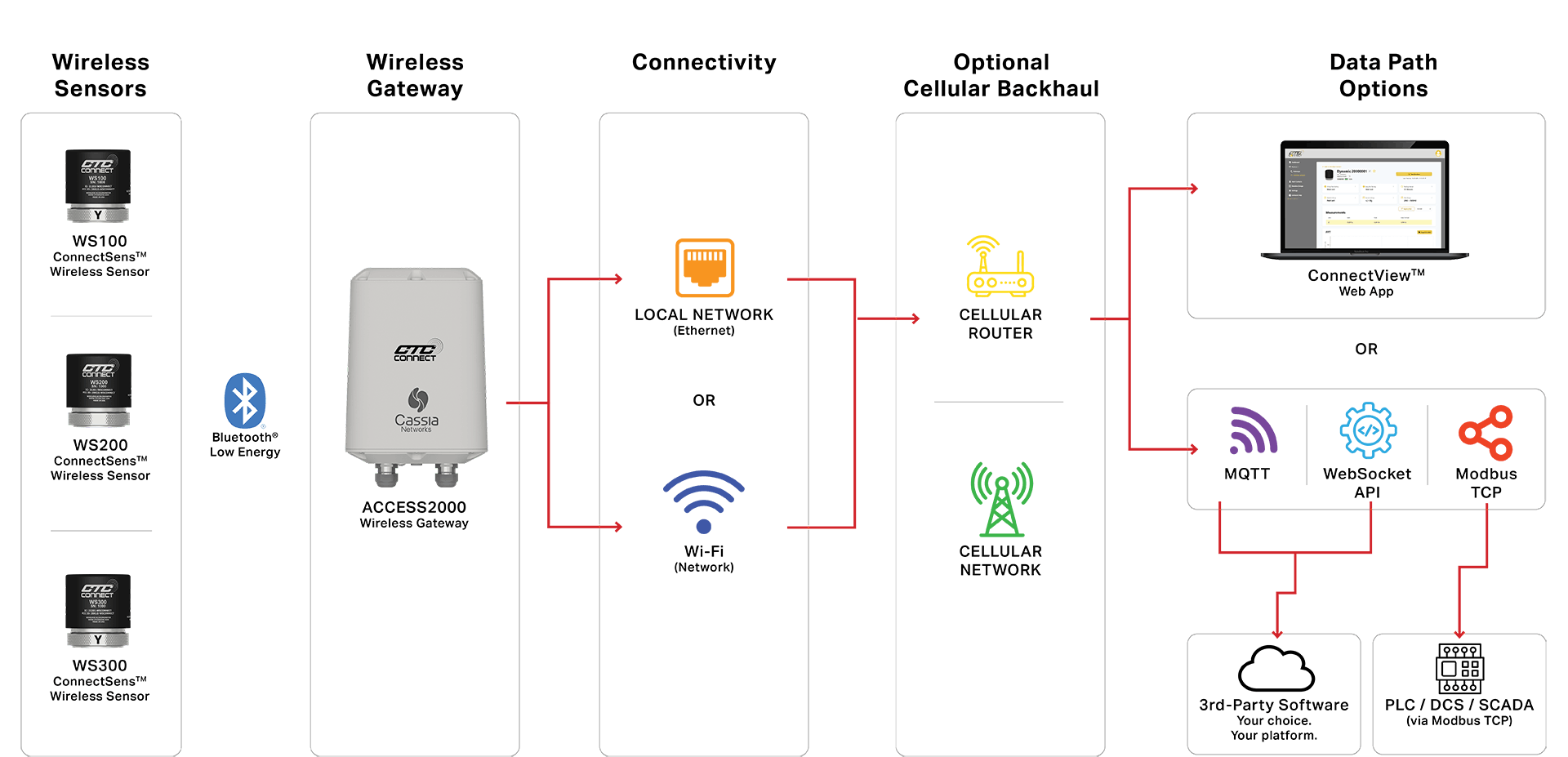
Flexible Connectivity | Open Protocols | Your Data, Your Systems, Your Way
ARCHITECTURE DEPLOYMENT OPTIONS

Local Network / Plant Ethernet
PREFERRED DEPLOYMENT FOR MOST FACILITIES
- Use your existing Ethernet structure
- Most reliable communication
- Supports PoE
- Full ACCESS2000 functionality
- Internet connectivity enables remote device management and data delivery.
OPTIONS:
Single Gateway
One gateway connected to your plant via Ethernet
Multiple Gateways
Multiple gateways connected to your plant via Ethernet

Plant Wi-Fi Network
LEVERAGE YOUR EXISTING WIRELESS INFRASTRUCTURE
- Connects to existing plant Wi-Fi
- Simplifies installation
- Full ACCESS2000 gateway functionality
- Internet connectivity required for remote management of data delivery
OPTIONS:
Single Gateway
One gateway connected to your existing plant Wi-Fi network
Multiple Gateways
Multiple gateways connected to your existing plant Wi-Fi network

COMING SOON:
Wi-Fi to Cellular Network via Cellular Backhaul Box
CREATE A DEDICATED MONITORING NETWORK WITHOUT USING THE PLANT NETWORK
- Independent industrial Wi-Fi network
- Cellular internet backhaul
- No connection to the customer's network required
- Designed specifically for CTC Connect deployments
- Enables remote gateway management and data delivery
OPTIONS:
Single Gateway
One gateway connected to Wi-Fi and out through cellular router
Multiple Gateways
Multiple gateways connected to Wi-Fi and out through cellular router
PROFESSIONAL DEPLOYMENT SUPPORT
Start-Up Services
Accelerate deployment and ensure your CTC Connect system is configured correctly from day one.
CTC Connect Support Engineers provide expert remote or on-site assistance for gateway commissioning, sensor configuration, network connectivity, and third-party integrations.
Start-Up Services May Include:
- Gateway connection to cellular, Wi-Fi, Ethernet, or satellite networks
- Sensor provisioning and configuration within the CTC Connect platform
- Sensor group and asset organization setup
- MQTT, WebSocket, API, and Modbus TCP integration support
- Configuration of external servers or cloud platforms for data storage and visualization
- System validation and connectivity verification
Note: Start-up services do not include the physical installation or mounting of sensors, antennas, gateways, or other hardware.
Start-Up Service Options

Virtual Start-Up
Half Day (4 Hours)
Full Day (8 Hours)

On-Site Start-Up
1.5 Days (Minimum Engagement)
2 Days
3 Days
4 Days
5 Days
Included On-Site Support Benefit
All on-site start-up services include one year of complimentary virtual troubleshooting support for the gateways and sensors commissioned during the engagement.
This support applies only to products installed and configured with a CTC Connect Support Engineer present. Additional equipment installed after the engagement will not be covered under the complimentary support period.
Request Start-Up Services
To ensure our team can accurately assess your issue and provide the appropriate level of support, customers must first complete the CTC Connect Support Questionnaire.
Once the questionnaire is reviewed, CTC will provide a customized troubleshooting quote based on the complexity of the issue and expected level of effort.
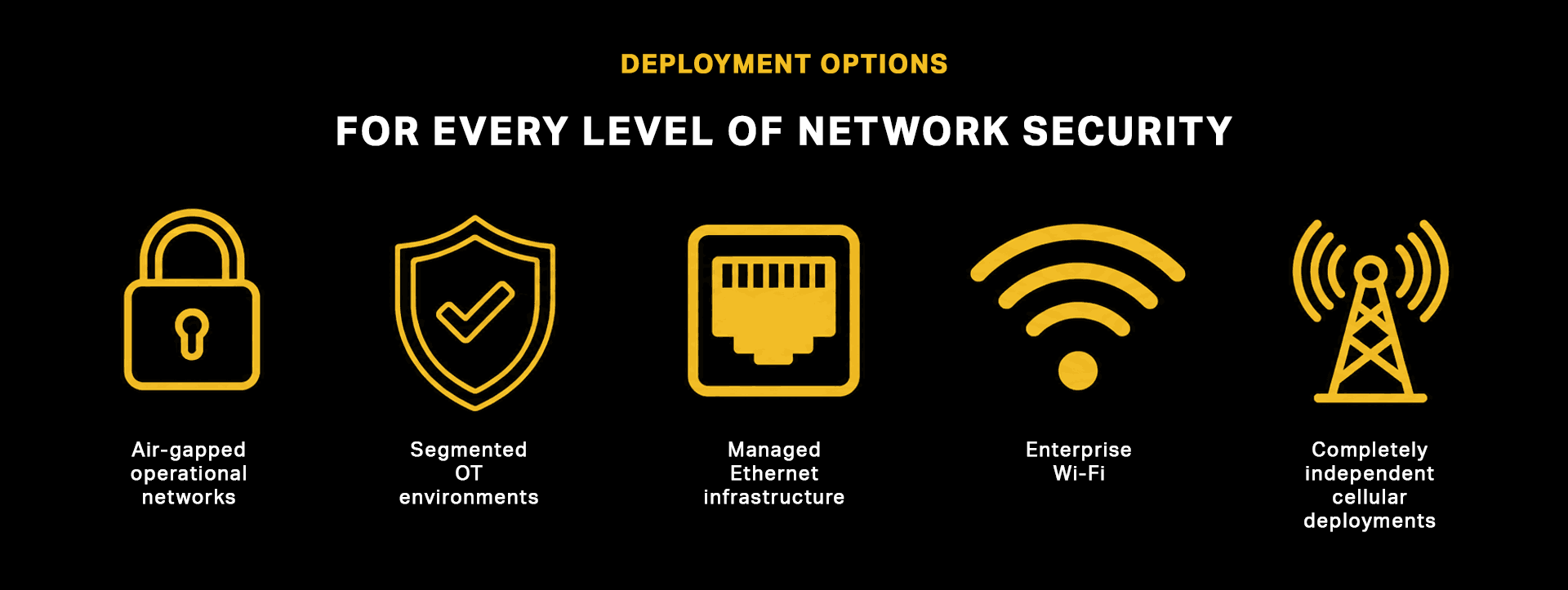
| REQUIREMENT |
Local Network / Plant Ethernet |
Plant Wi-Fi |
Cellular Backhaul |
| Uses existing plant network |  |
 |
---- |
| Internet connectivity provided |
via plant network |
via plant network |
cellular |
| No connection to plant network required |
----- |
---- |
 |
| Ideal for remote assets |
----- |
 |
|
| Fastest deployment | |
|
---- |
| Supports remote gateway management | |
|
|

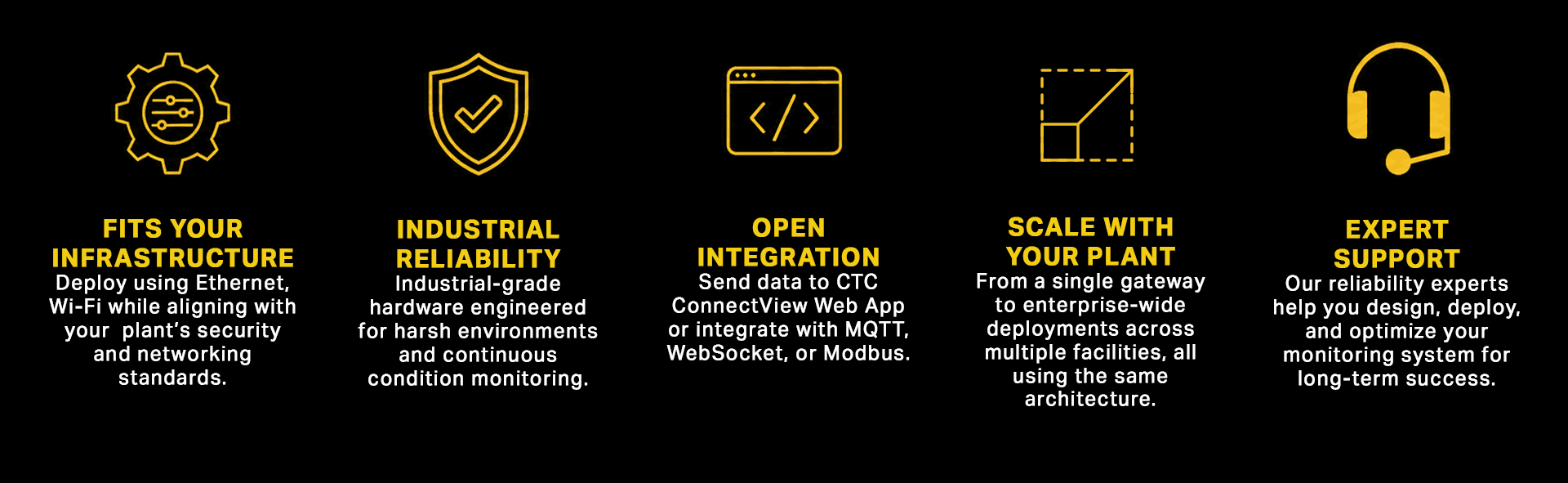
FLEXIBLE DATA DELIVERY
Deliver vibration and temperature data where it provides the most value:
Modbus TCP to PLCs, SCADA, or DCS

MQTT
API

WebSocket
API

ConnectView Web App
with basic vibration analysis
All data delivery options are included at no additional cost and with no recurring software fees.
READY TO GET STARTED WITH CTC CONNECT?
Fill out our pre-deployment survey to tell us about your application and your environment, and we’ll be in touch to help you get started: